





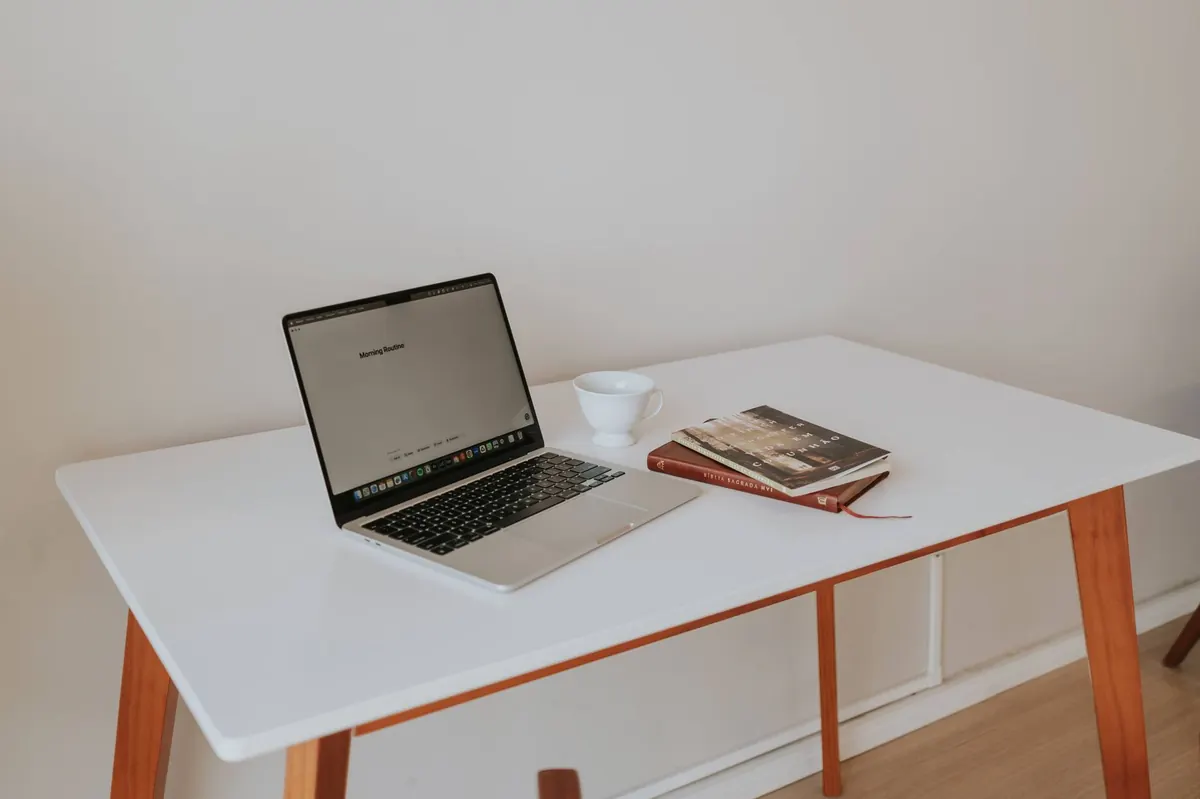
A laptop is a wonderful thing on a train and a punishing thing to sit behind for eight hours. The screen sits low, the keyboard sits high, and your body — being pragmatic — arranges itself around the machine rather than the other way round. Shoulders roll forward. The chin drifts up and out to meet the screen. By mid-afternoon there is a familiar tightness between the shoulder blades, and by Friday your lower back has opinions.
None of this is a character flaw. It is a geometry problem, and geometry problems have solutions. You do not need a designer office or an expensive standing desk. You need to adjust what you already own, in the right order, and then move around a bit more than you currently do.
Start with the chair, not the desk
Most people adjust the screen first, which is why most home setups stay uncomfortable. The chair comes first, because everything else is measured from it.
Sit back into the seat rather than perching on the front edge. Your feet should rest flat on the floor with your hips level with your knees, or just a little higher. If the chair will not go low enough, a footrest — or a sturdy box file — under your feet fixes it in seconds. Leave a gap of two or three fingers between the back of your knees and the front edge of the seat, so it is not pressing into the backs of your legs.
Then set the backrest so it supports the inward curve of your lower back, not the middle of your shoulder blades. If there is a lumbar pad, it should sit roughly at waist height. Armrests are only useful if they let your shoulders drop; if they push your shoulders up towards your ears, lower them or move the chair.
Raise the screen to meet your eyes
The top of the screen should be level with your eyes, or slightly below. You want to be looking gently down, not up, and not straight ahead with your neck locked. An arm's length away is a reasonable working distance; if you find yourself leaning in, the text is probably too small as well as too close.
The quickest fix is a laptop stand, and it need not be expensive — a stack of hardback books does the same job. The catch is obvious. Once the screen goes up, the keyboard attached to it becomes unusable. That is why the next step matters more than any piece of furniture you could buy.
If you use a second screen
Put the external monitor directly in front of you and treat the laptop as the secondary display, angled in from the side. Spending a full day craning towards a screen placed off to one side is its own problem, and it tends to show up as one-sided neck and shoulder ache.
Add a separate keyboard and mouse
Raising the screen is only half a solution. Pair the stand with an external keyboard and mouse and the whole setup suddenly works: screen at eye level, hands down where they belong.
Position the keyboard close enough that you are not reaching for it, with your elbows at roughly a right angle and your forearms level or sloping slightly down towards your hands. Wrists should stay fairly straight — not bent back, not dropped. A wrist rest is for resting between typing bursts, not for typing on.
Put the mouse immediately beside the keyboard, at the same height. A mouse that lives half a metre away means your shoulder is working all day, and that is often the real source of an ache on one side.
Get the desk layout working for you
With the chair set correctly, your desk should be roughly at elbow height. If it is fixed and too high, raise the chair and add a footrest — a taller chair with supported feet beats a lower chair with hunched shoulders.
Then clear the working area of anything that forces you to twist or stretch:
- Keep the keyboard and mouse within an easy, relaxed reach. Nothing you use constantly should require leaning.
- Move your phone out of the automatic-reach zone. Every glance to the side rotates your neck.
- Use a document holder for paperwork, or prop the paper beside the screen rather than flat on the desk.
- Leave the space under the desk clear so your legs and feet can move.
- Angle the screen away from a bright window, or you will lean and squint towards the glare without noticing.
The sofa is not a workstation
Kitchen tables, sofas and beds are where good intentions go to die. A sofa encourages a rounded lower back and a forward-hanging head. A bed gives no support under the thighs at all and puts the screen somewhere near your knees.
If the kitchen table is your only option, treat it as a desk rather than a dining surface: a firm cushion behind your lower back, a footrest, a laptop stand and a separate keyboard. Then keep it short. An hour at a makeshift setup is fine; a full working week at one is how necks and backs get grumpy.
Move more than you rearrange
No position is perfect if you hold it for six hours. Posture is really about variety: the best sitting position is the one you will change out of soon.
Stand up at least once every 45 minutes — set a timer if you need one — and walk far enough to leave the room. Roll your shoulders back a few times, and gently draw your chin straight back over your shoulders, hold for a second or two, then release. It is a small movement, and many people find it surprisingly useful after a long morning of screen work.
A 20-minute reset you can do tonight
- Set the chair height so your feet are flat and your hips are level with, or just above, your knees.
- Adjust the backrest to support your lower back, and drop the armrests if they lift your shoulders.
- Raise the laptop on a stand or a stack of books until the top of the screen is level with your eyes.
- Add an external keyboard and mouse, positioned close and level, with your elbows at roughly a right angle.
- Clear the desk so everything you use often sits within easy reach, with no twisting required.
- Set a reminder to stand and move every 45 minutes.
Give the new arrangement a week before you judge it. Small changes feel odd for a day or two, and the point is not to sit like a soldier — it is to stop your body from solving the same awkward problem in the same awkward way, hour after hour.
If neck or back pain lasts more than a couple of weeks, or you notice numbness, tingling or weakness in an arm or leg, see your GP or a chartered physiotherapist. Furniture can fix a lot, but it cannot fix everything.
Photo: Letícia Alvares / Pexels